iMessage through your Mac
Read and send iMessage from your client through your own Mac. Read the setup guide.
 micaGO
micaGO lets you read and send iMessage and SMS through your own Mac, without routing your conversations through a hosted message cloud.
What it does
Install the Mac Companion, pair the client, and keep messaging through the accounts already configured on your Mac.
Read and send iMessage from your client through your own Mac. Read the setup guide.
Use SMS relay when your Mac and Messages setup support it.
Send media and use modern chat features such as replies, reactions, link previews, voice messages, and group chats where supported.
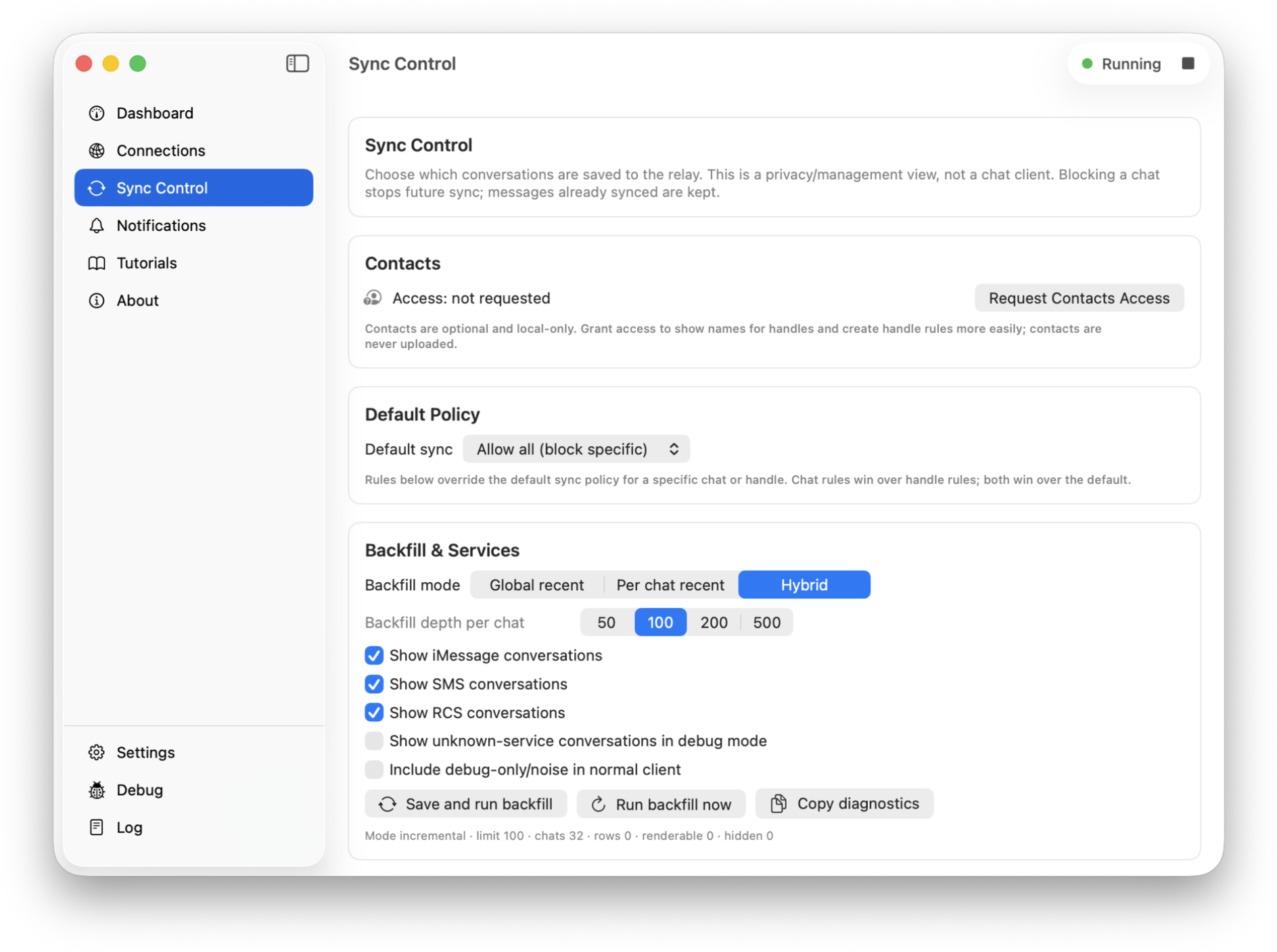
Connect over LAN first, with optional remote access through your own public URL. Set up remote access.
Across your devices
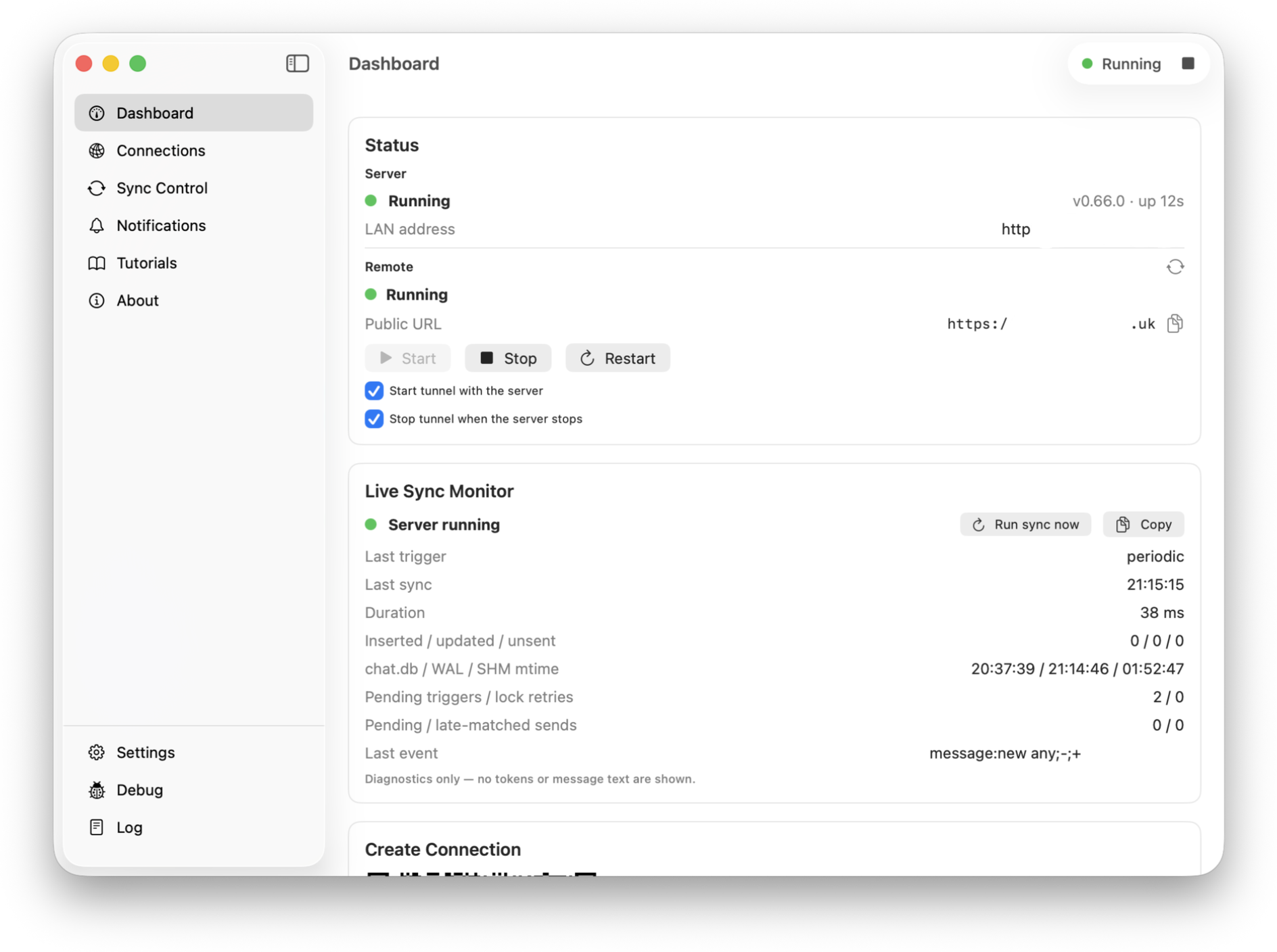
Chat from a phone or tablet, while the Mac Companion keeps the bridge running and gives you one place to manage it.
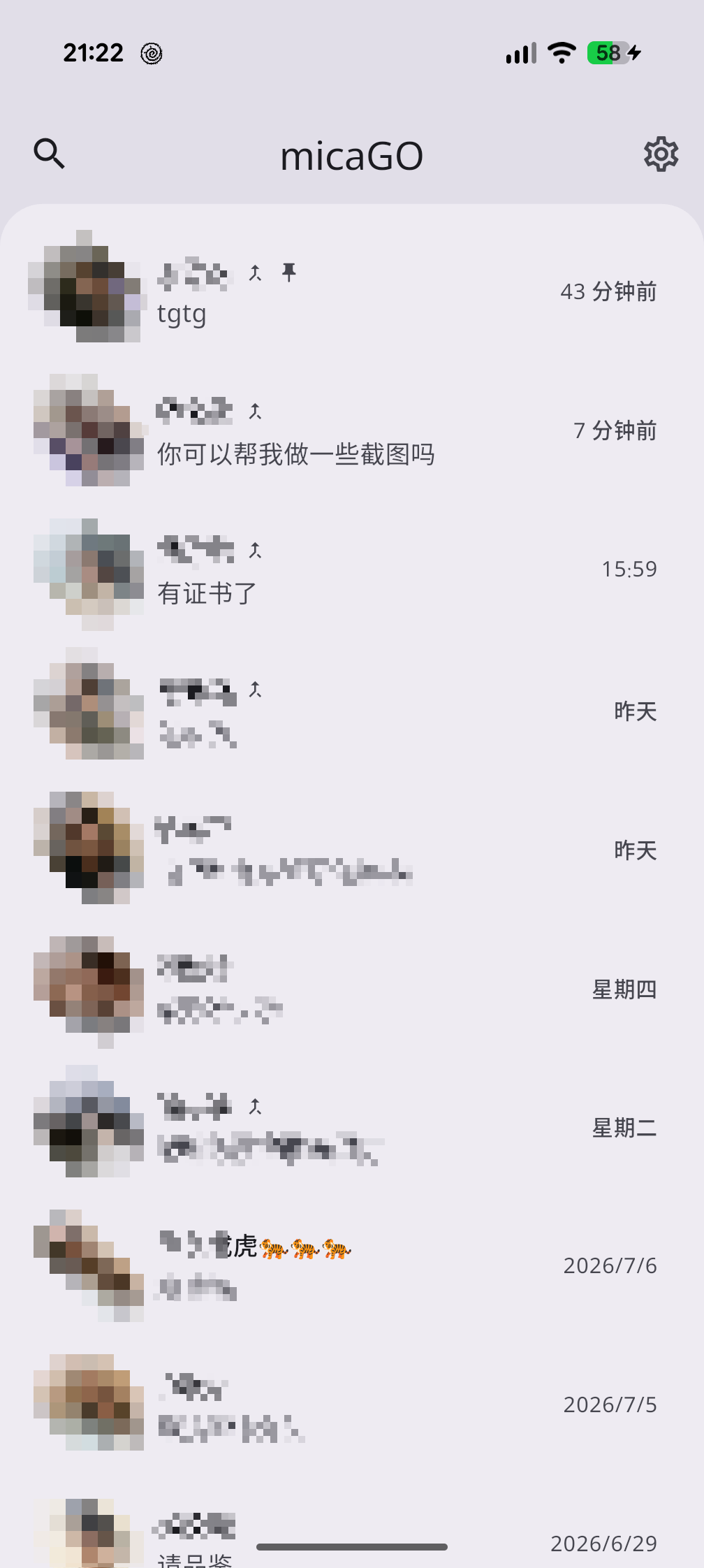
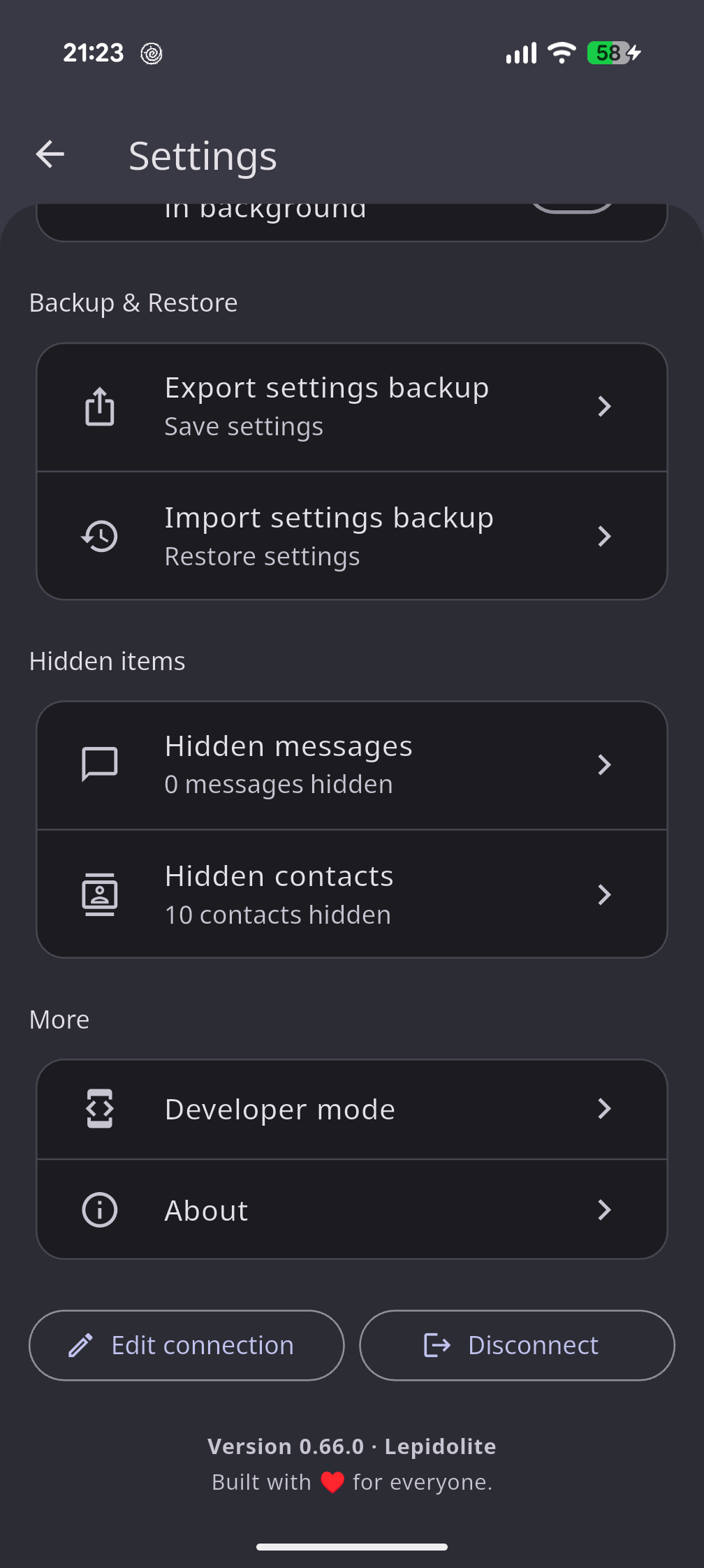
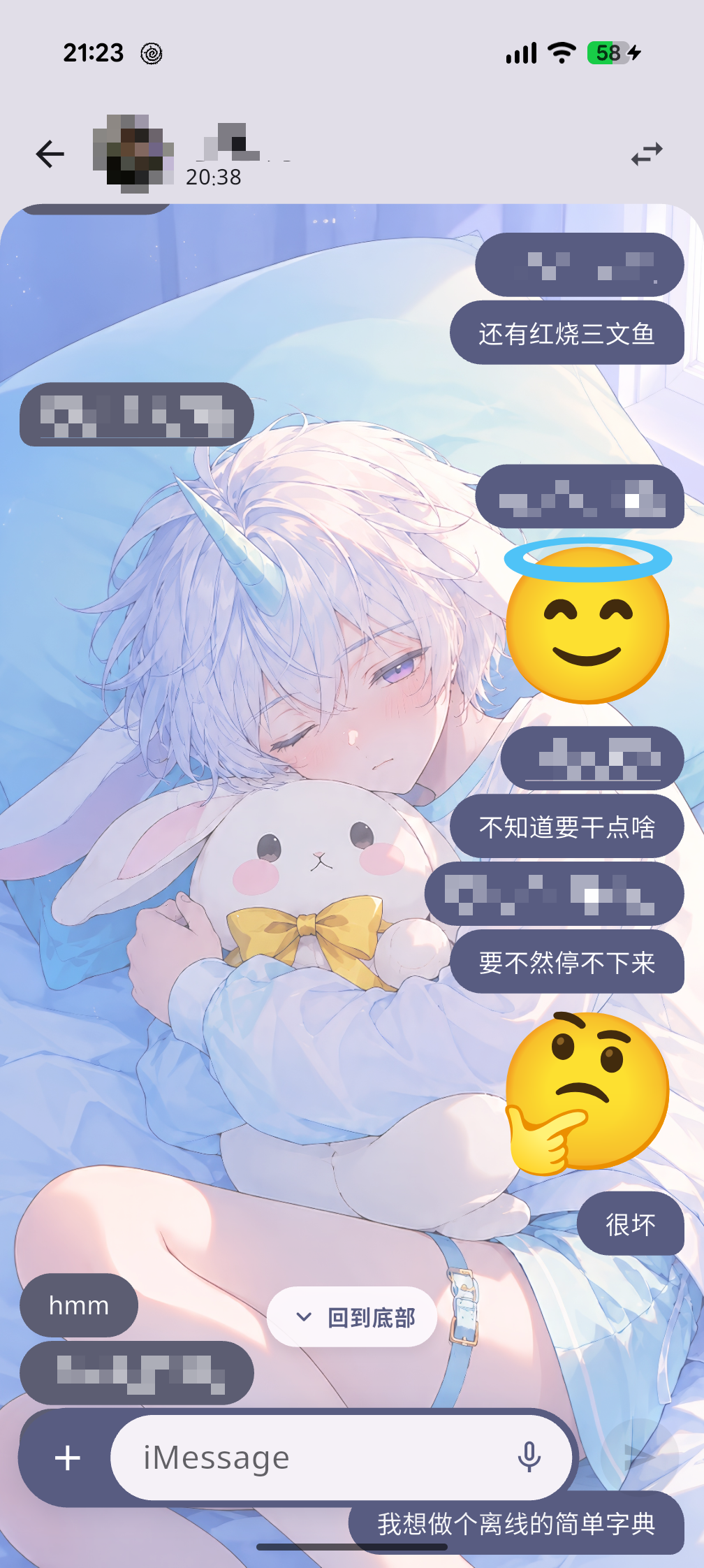
Conversations, settings, and rich message threads in the mobile layout.
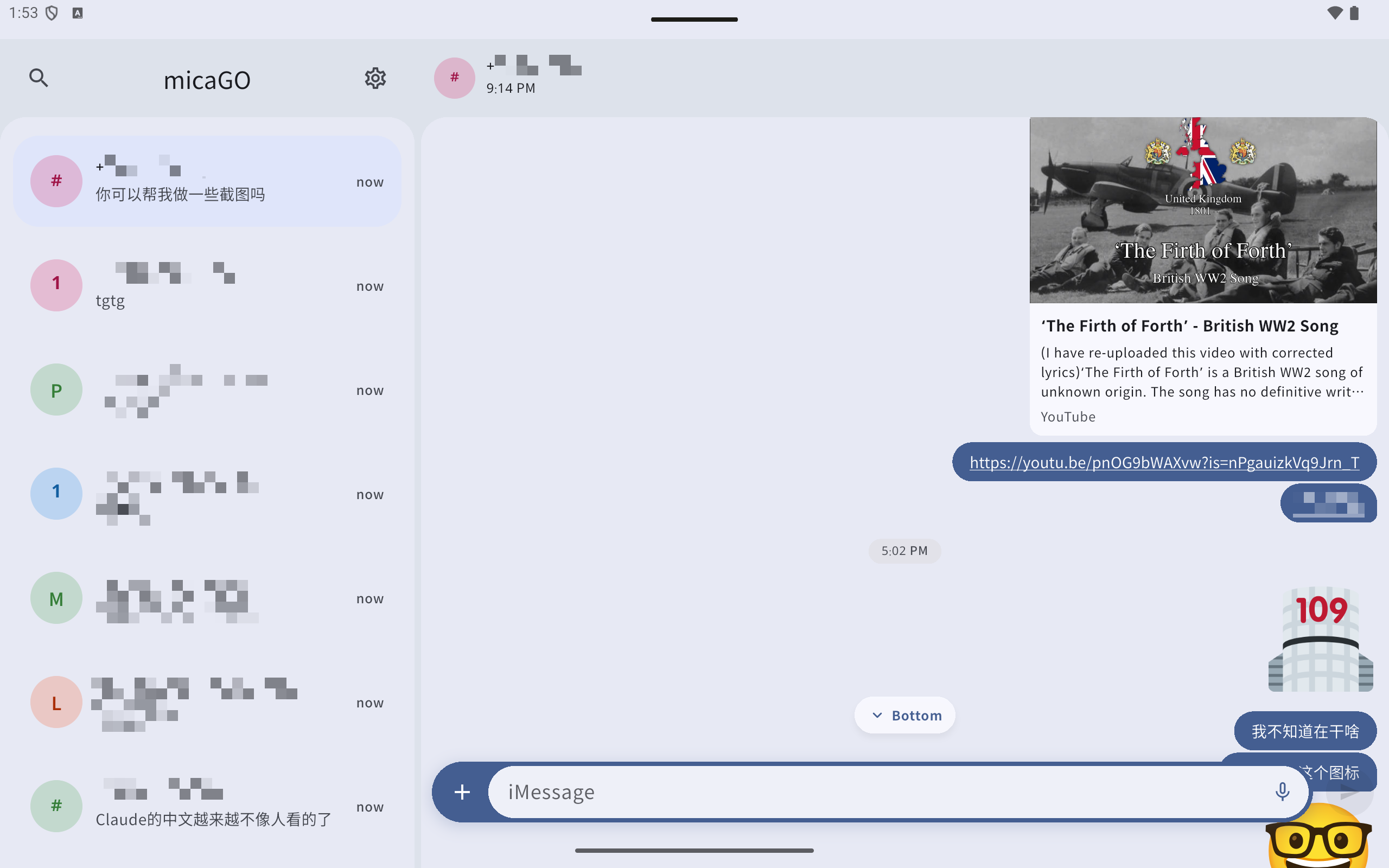
Keep the conversation list and current chat visible together.
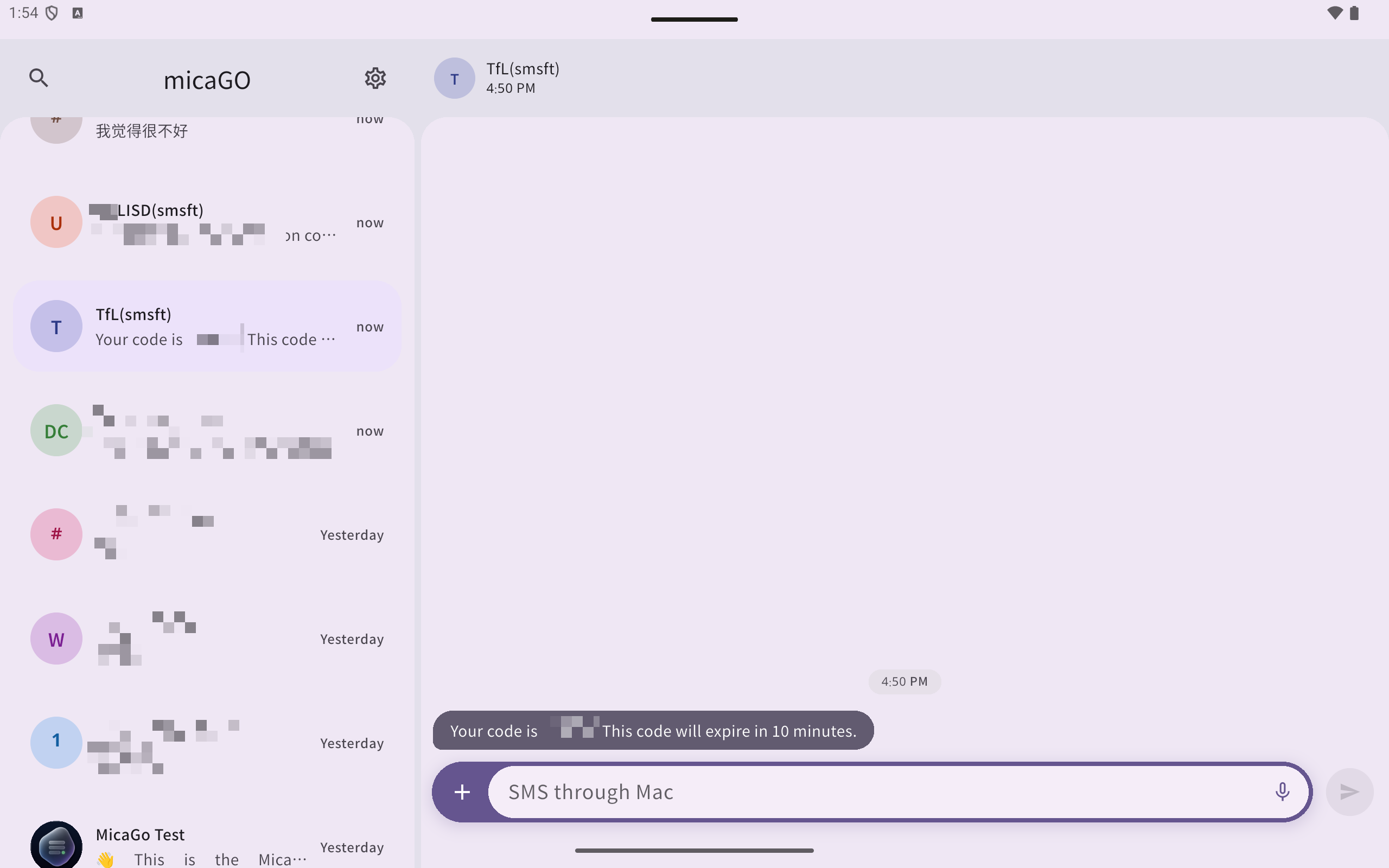
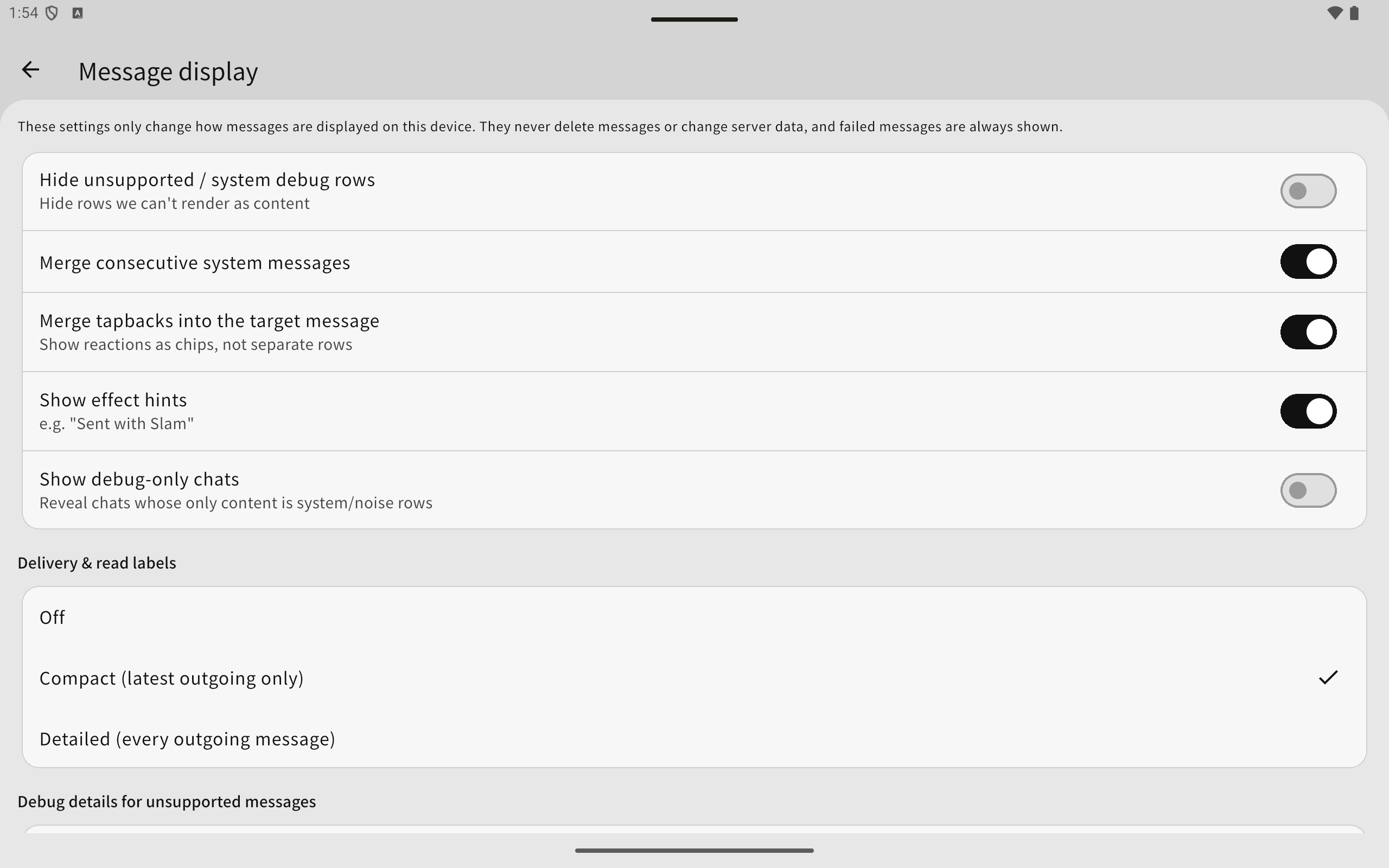
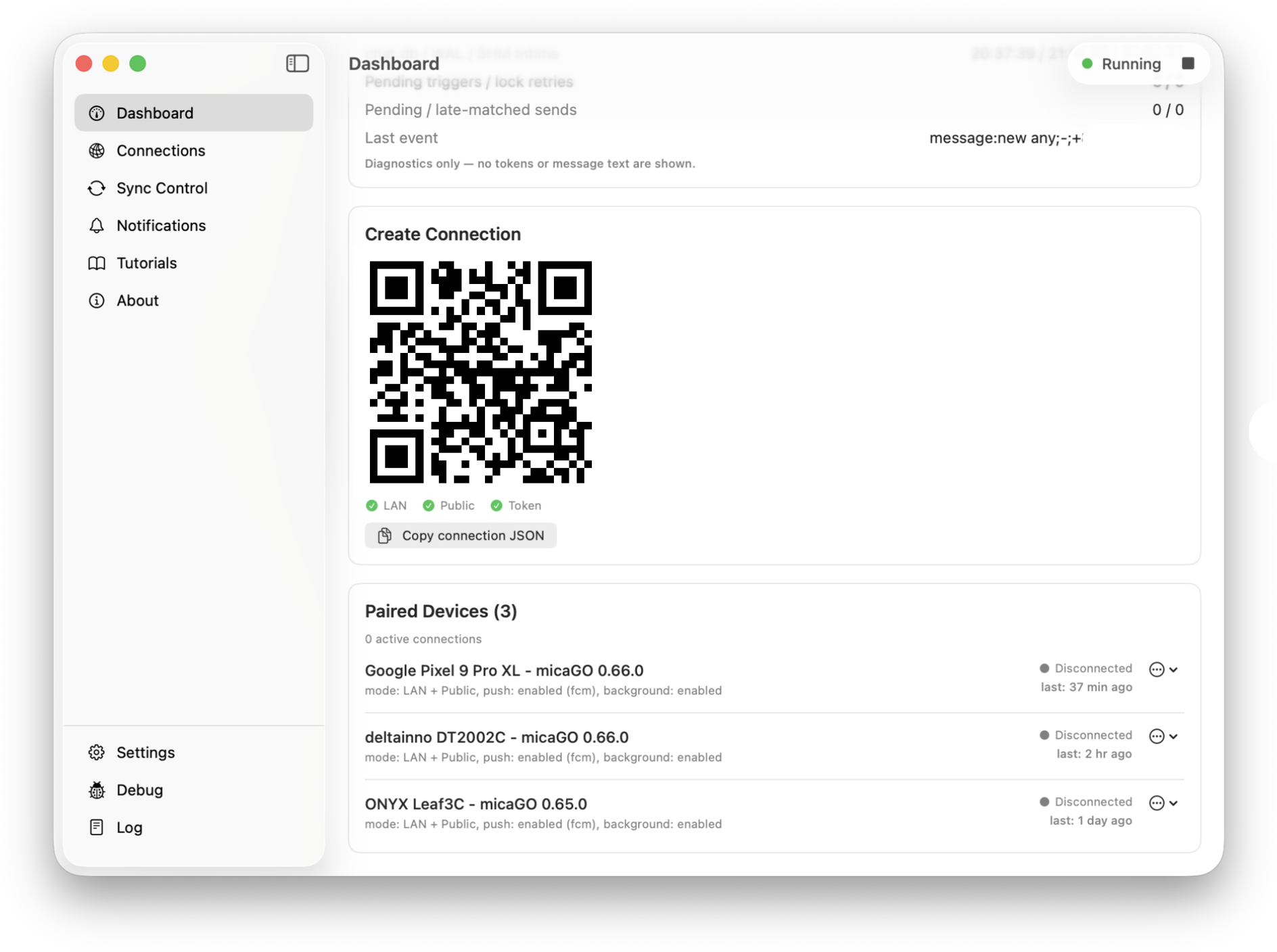
Check status, pair clients, and configure the local server from the Companion.
How it works
Launch the companion app on the Mac that already has Messages configured. See the Mac setup steps.
Connect on the same network, or use your own public URL for remote access. Pair the client.
Use your Android phone while the Mac keeps the bridge under your control.
Privacy model
micaGO is designed around your Mac. The companion app reads from your local Messages setup and serves the devices you pair.
Remote access is optional. If you use it, you bring your own tunnel or public URL and protect it with your token.
Push notifications are optional and can be self-hosted through your own Firebase setup.
Downloads
Start with the Mac Companion, then install the client and pair it.
macOS
Requires macOS 13 or newer. Runs the local server, pairs devices, and manages sync.
Download DMG
Android
Requires Android 6.0 or newer. Includes layouts for phones, tablets, and large screens.
Download APKFAQ
No. micaGO is an independent open source project and is not affiliated with Apple.
Yes. micaGO uses your Mac as the bridge for iMessage and SMS. Start with the Mac Companion guide.
No. micaGO does not provide a hosted message cloud for your conversations.
Yes, if you configure a public URL or tunnel that points to your Mac Companion. Read the remote access guide.
micaGO is beta software. Expect some rough edges while the project moves toward a stable release.